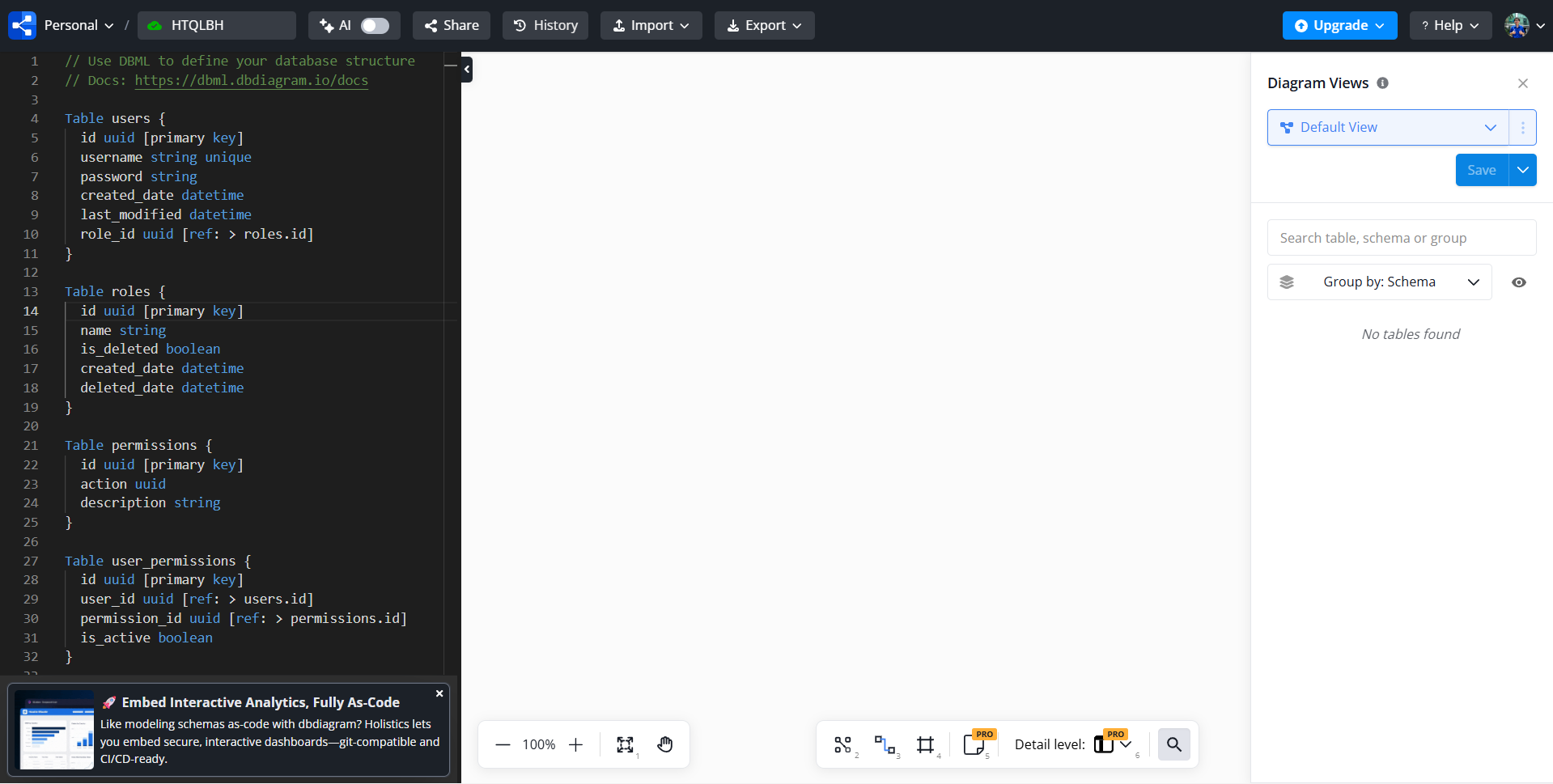
My diagram was fine yesterday. But today, after I made some changes to the DBML code, the diagram disappeared and won’t display again. I have tried reloading the page, or opening it in incognito mode, or in a different browser, the interface still displays the message “No database schema found”. Diagram Views also doesn’t display any tables even though the code editor doesn’t show any syntax errors.
I also tried copying all DBML codes to a new blank diagram, and the issue is still there.
Here are all the code for investigating: dbdiagram.io - Database Relationship Diagrams Design Tool
Hi @Minh_Tue
This is a bug recently introduced in dbdiagram. We’re working on a quick fix.
For now, the diagram you are showing is containing an error: The table premium_transactions is missing the column customer_payment_id. Try adding the column and see if the diagram loads for you.
Thank you!
Hi @huydna, thank you for replying.
I removed the customer_payment_id column from the indexes of premium_transactions table, but the diagram is still not displaying. You can check the link I attached in this topic.
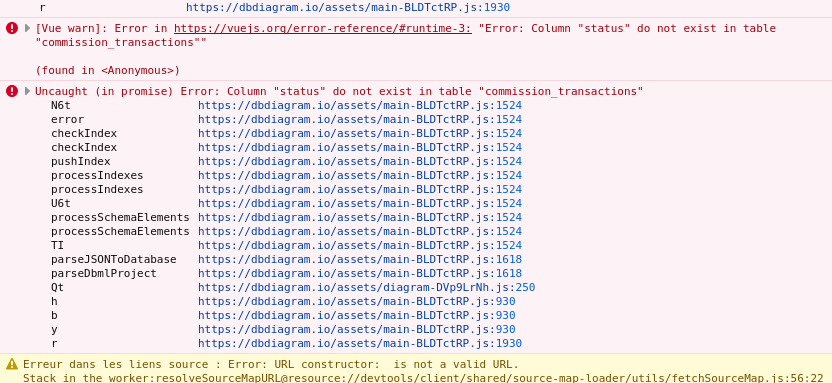
Hi @Minh_Tue, there seems to be another missing column in your schema. Can you open the devtools (Ctrl + shift + I). Then look for errors such as these in the Console tab:
In this case: commission_transactions is missing the column status
1 Like
Hi @huydna, fixing all errors in the Devtool Console has made the diagram display properly again. Thank you!
1 Like
Hi @Minh_Tue
We’ve just deployed a fix to dbdiagram. The errors should be reported properly in the editor now. Thank you.
1 Like