I got your point: the line in the SQL diagram, when you click “Add Related Tables,” and based on the key relation, it loads all tables in the diagram.
As I know, it is not available here. But I think it would require extra coding to use this feature, and as I used ERwin, Lucid, etc., no one has these types of features. As far as SQL Server Diagram, that is not an ER model; it is physically relationship among tables that is converted into a diagram to display.
Let us know your comments on this.
Thanks,
To put it simply, @zonny wants the code to be uncommented automatically when a table is clicked. For example, suppose the Order table is connected to Order_Detail and Customers, Order_Detail is connected to Products, and Products is connected to Categories, with all the code currently commented out.
Because of this, nothing is displayed on the “DBML Preview” canvas. If you uncomment one table—let’s say Categories—and right-click on the canvas to “Add Related Tables,” the code for the Products table should automatically be uncommented (assuming @zonny only wants level-1 relations). Similarly, if you do this for the Order table, the Order_Detail and Customers tables should be uncommented since they are directly connected to it.
If @zonny is looking for more than level 1, that means almost all tables would end up being uncommented.
The reason I mentioned that this might be unnecessary extra code is because DBML is text-based, not canvas-based. We write text to render tables, so adding logic just to comment and uncomment code might not be ideal. Just my thoughts!
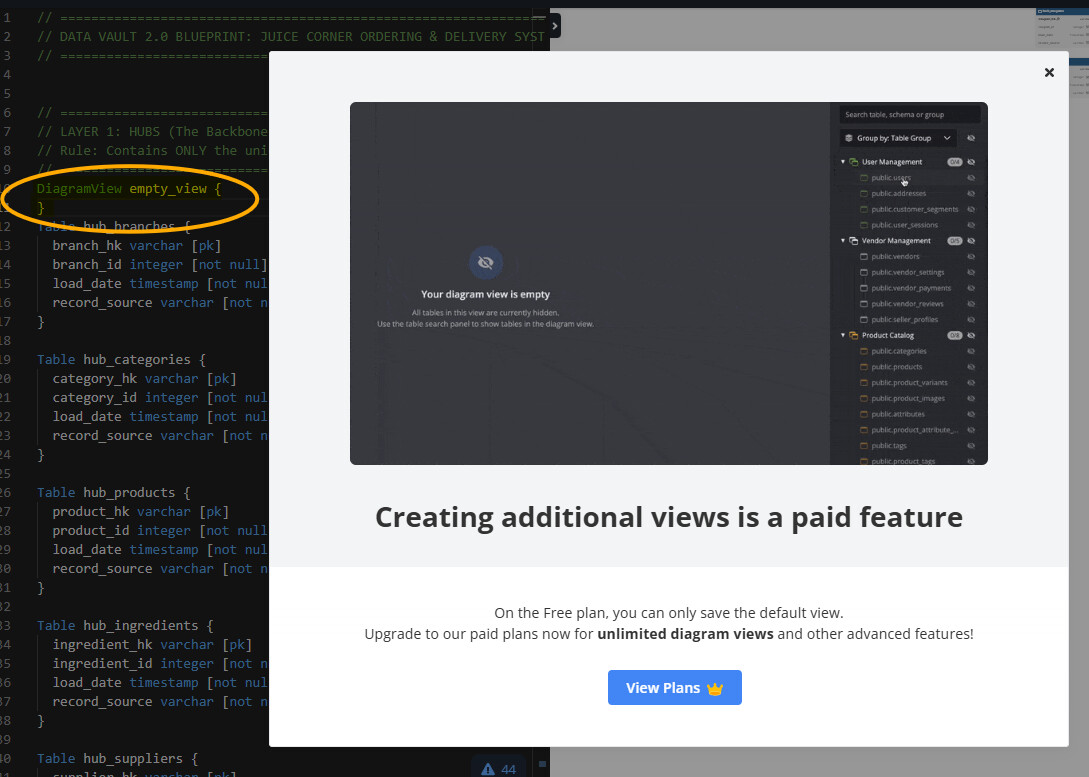
And we have " DiagramView" on the Pro feature (sorry, as a free user never used, how will it work, but seeing in help file) that simply rectifies this issue.
When I create a new Diagram View and display a Table in the Diagram View, I need an option on the Table to add all related Tables without choosing them one by one.
So in the example above, I create a Diagram View and display Order table in the Diagram View. Then I click on the Order table and choose “Add Related Tables”, it will display Order_Detail and Customers tables. Just the level-1 relations for that Order table.
@zonny , @huyleminh
On second thought, I was thinking that importing DBML files could work here. We could create level-1 relationships in file 1, import that into a level-2 relationship file for reuse, and so on. Then, in the final file, we could create views based on the relationship levels (or file levels).
I think this approach might resolve the issue. @huyleminh will it work?
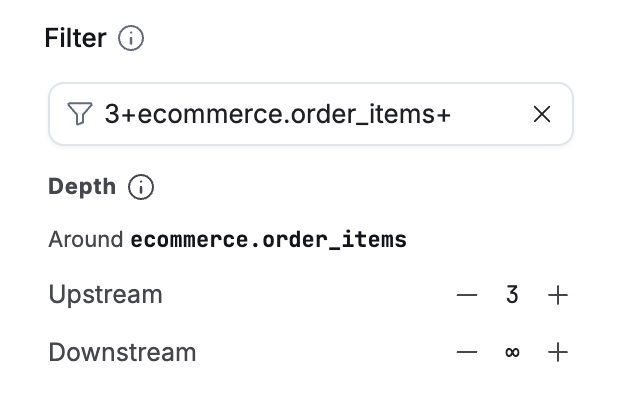
* `order_items` : just that table
* `+order_items` : the table and everything upstream
* `order_items+` : the table and everything downstream
* `+order_items+` : the table and everything related, both directions, all levels
* `1+order_items+1` : one level each way
* `3+order_items+1` : 3 levels upstream, 1 level downstream