dbdiagram VS Code extension 0.5.0 (the first release with multi-file support, 2026-10-12)
VS Code 1.140.0, Windows 11 x64
All .dbml files are in the same local folder (C:\Users\<user>\Downloads\gold_dw3\)
Steps to reproduce
Create simulado_references.dbml with Table DW3_DIM_CLD_DY { ID_CLD_DY date [pk] }.
In the same folder, create model.dbml:
use {
  table DW3_DIM_CLD_DY
} from './simulado_references.dbml'

Table FACT { ID_CLD_DY date }
Ref: FACT.ID_CLD_DY > DW3_DIM_CLD_DY.ID_CLD_DY
Open model.dbml in VS Code.
Expected: The import resolves and the Ref is valid. The same files pass validation with a separate DBML linter that resolves use imports.
Actual:
Failed to resolve the non-existent file './simulado_references.dbml'
Table 'DW3_DIM_CLD_DY' does not exist in file /simulado_references.dbml. Does the file exist?
Column 'ID_CLD_DY' does not exist in Table 'DW3_DIM_CLD_DY'
The file is looked up at /simulado_references.dbml, the filesystem root, instead of the document’s folder.
Root cause (from the bundled dist/extension.js)processDocument passes document.fileName (c:\Users\...\model.dbml) to FilePath.from(). The FilePath constructor runs encodeURIComponent on every /-separated segment, so the drive letter c: becomes c%3A and backslashes become %5C. The resulting path is no longer recognized as absolute. I extracted the FilePath class from the bundle and ran it with VS Code’s Node runtime:
FilePath.from('c:\\Users\\me\\gold_dw3\\model.dbml')
  -> Error: FilePath requires an absolute path, got: "c%3A%5CUsers%5Cme%5Cgold_dw3%5Cmodel.dbml"
FilePath.from('c:/Users/me/gold_dw3/model.dbml')
  -> Error: FilePath requires an absolute path, got: "c%3A/Users/me/gold_dw3/model.dbml"
FilePath.from('/c:/Users/me/gold_dw3/model.dbml')       // ok -> /c%3A/Users/...
  .resolve('./simulado_references.dbml')
  -> Error: FilePath requires an absolute path, got: "c%3A/Users/me/gold_dw3/simulado_references.dbml"
Every relative use import fails on Windows local paths, whatever folder the files are in. Suggested fix: convert document.uri to a POSIX-style path before building FilePath (for example /c:/Users/...), and keep the : after a drive letter unencoded. statSync should also receive fsPath, not the encoded absolute path.
Hi @MAIKOL_JUNIOR_LOPEZ, thank you for the detailed report! We’re currently working on it to deploy a fix soon. We’ll get back to you when a fix is released.
We have released a new version for the extension (v0.5.1) to fix this fail import issue on Windows. Please update to the new version and check if everything is working correctly now.
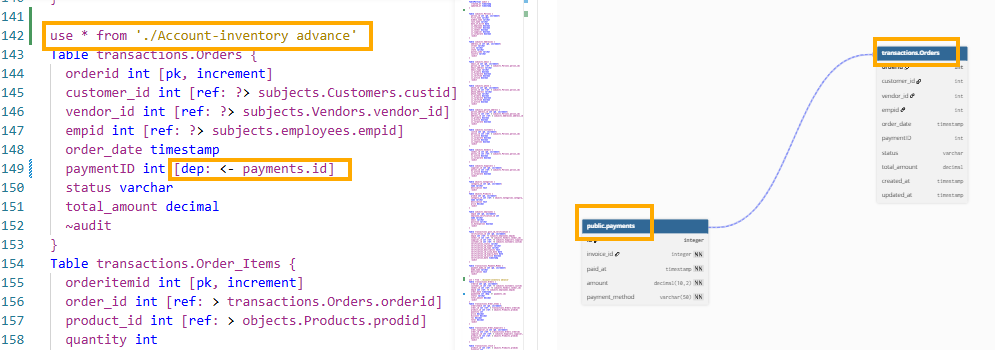
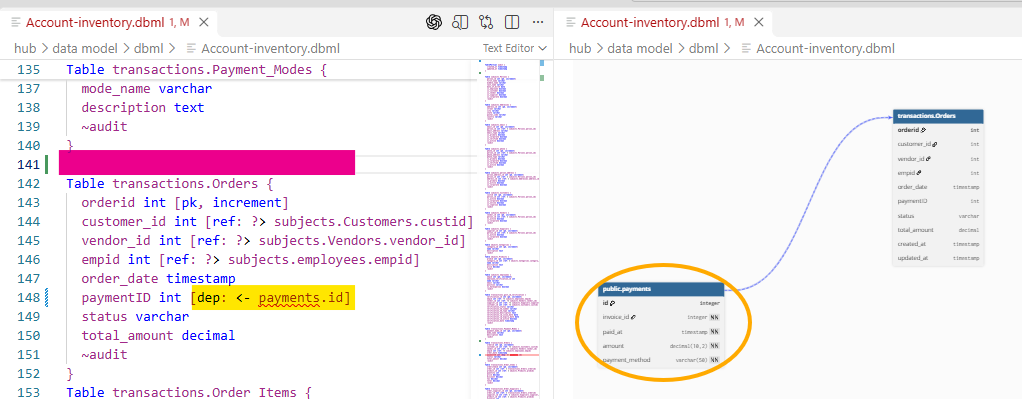
Later, I deleted use * from './Account-inventory advance', but it was still showing no errors. The DBML preview canvas continued to work fine, as if nothing happened (no errors shown).
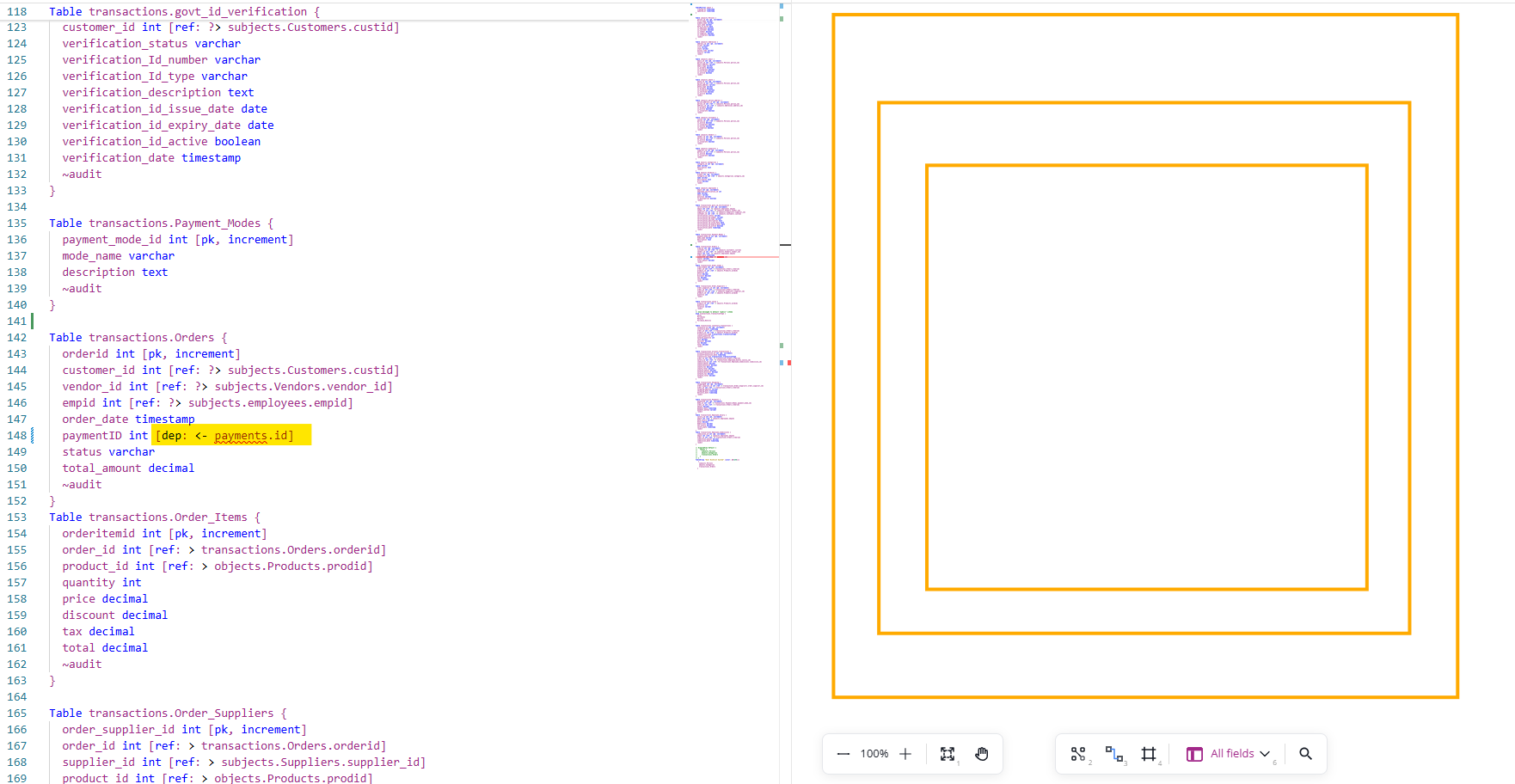
After I closed and reopened the DBML file, because use * from './Account-inventory advance' was missing, the DBML preview canvas showed up blank. Previously, it used to show a series of errors, but now it doesn’t.
Please check if it can start showing those errors again—they used to help a lot.
Otherwise, this is marvelous! Thank you for this new update. It will help me tremendously when working on source-to-target mapping, where we need to trace lineage between source ERDs and target ERDs.
Blockquote
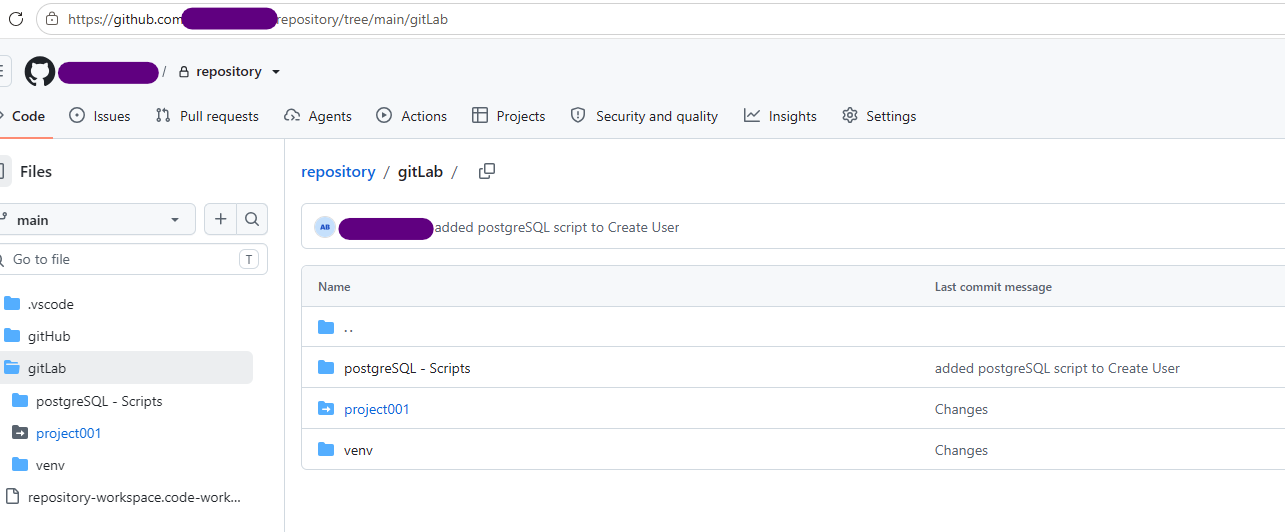
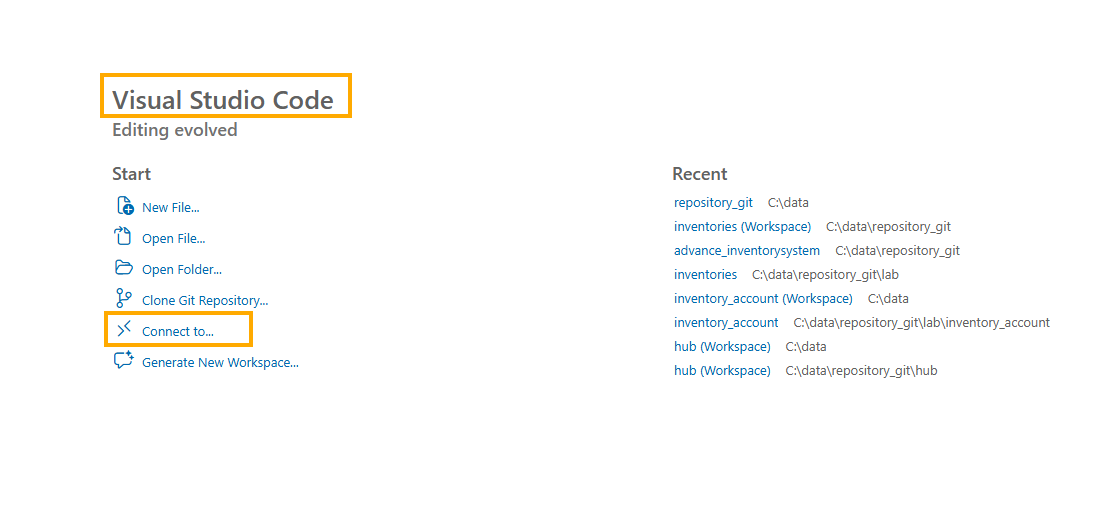
While working on this updated feature i have noticed one more thing that it is only works when we use folders. I mean to say that windows folder but if I have saved any file on repository and using “connect to” it is not display anything either with use * or not.
We released a new version to fix the issue that the errors are not shown in the preview panel.
Also, could you please clarify the “repository” and “connect to” feature that you mentioned? Can you share your current setup or a minimal setup that we can use, and also the expected behavior and the actual behavior in that setup so we know what we understand your needs?
Hi, @Ashish_Bajpai, sorry for the late reply, but we currently require the files to be on disk to import. However, we will look to support importing remote files in the future if there is more need!